Bella Commander
Bella Commander is a fast, keyboard-driven file manager with two panes, for macOS, Windows and Linux. It works like Total Commander (function keys, multi-rename, synchronize folders) and looks clean and calm. Short name and command: bcmd.
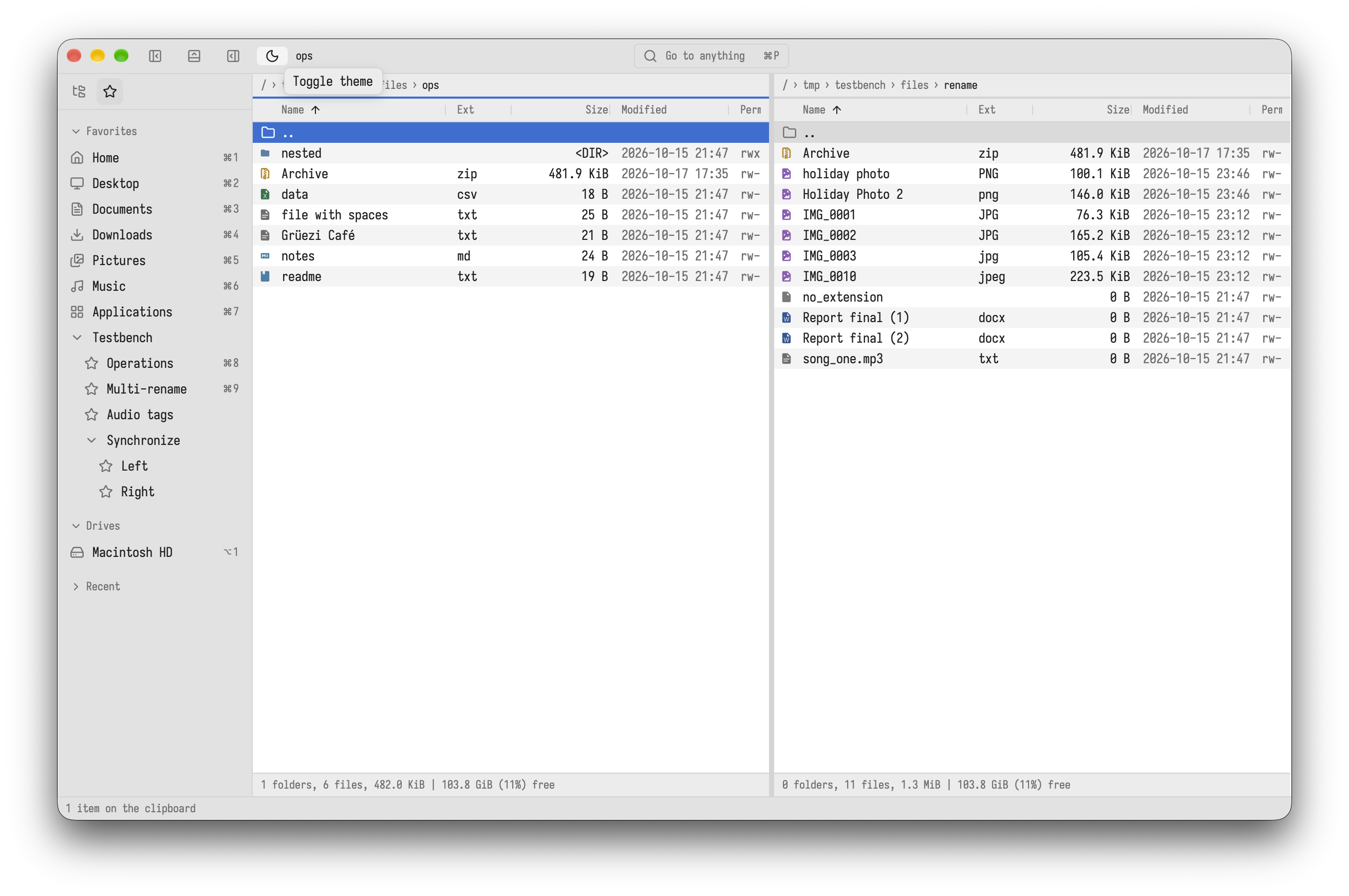
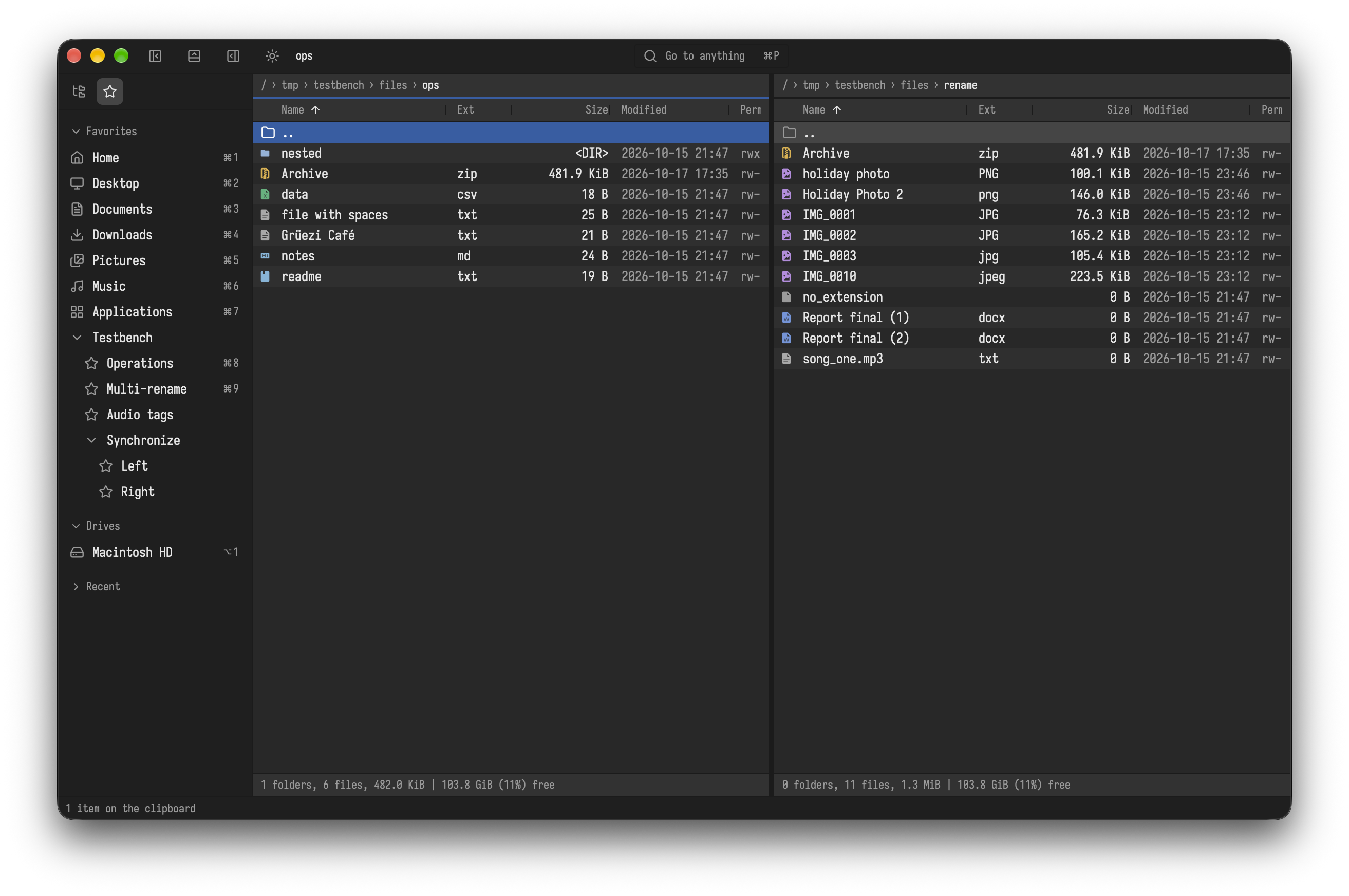
Where to start
- Install: download, first start, updates
- The window: panes, tabs, sidebar, preview, terminal
- Moving around and working with files
- Configuration files: what is stored where
- Customize: your own keys, commands, editor, colors
- Actions and keys: everything the app does, with its keys
Keys in this manual
Keys are written for macOS first, then for Windows and Linux: ⌘C / Ctrl+C. When both are the same there is only one: F5. On macOS ⌘ is Command, ⌥ Option, ⌃ Control and ⇧ Shift. All keys are the defaults of the Total Commander preset and can be changed, see Keys.
Every function is an action: if you forget a key, the command palette (⇧⌘P / Ctrl+Shift+P) finds it by name and shows its key.