Viewing and editing
The viewer (F3)
F3 opens the file under the cursor in a viewer window that floats above the main window. The cursor keys in the pane keep working: the viewer follows the file under the cursor, so you can step through a folder of photos or logs. F3 again, or a click, gives the viewer the keyboard; Esc closes it.
What the viewer and the preview panel show
Both show a file the same way; the preview panel is shorter. The first row that fits a file decides:
| Kind | Files | Shows |
|---|---|---|
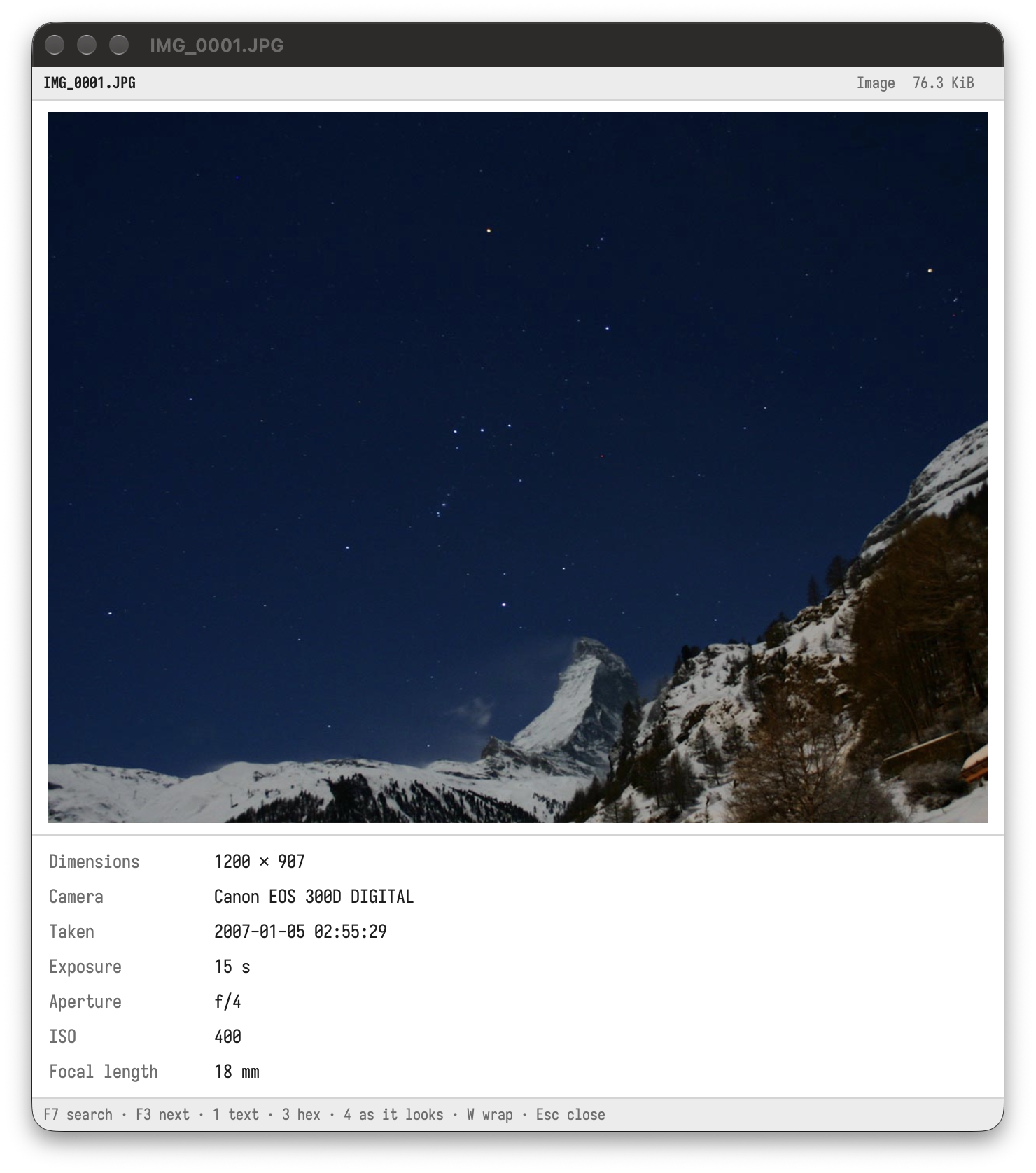
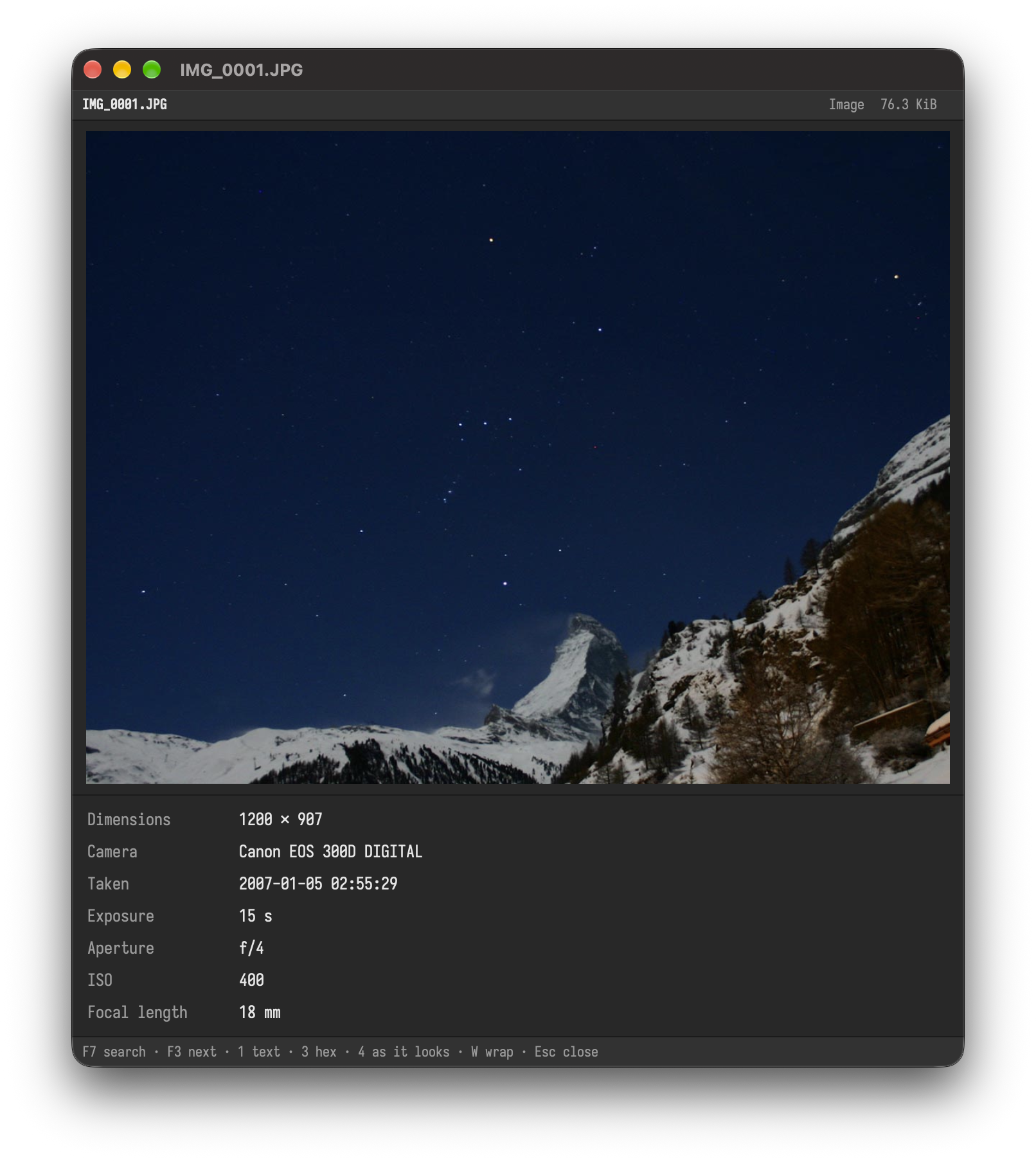
| Images | .png .jpg .jpeg .gif .webp .bmp .svg .ico .tif .tiff .pbm .pgm .ppm .pnm .pam .qoi .exr .hdr .dds .ff |
the picture, its size, and for photos the camera, lens, date taken, exposure, aperture, ISO, focal length and place |
| Videos, AVIF | .mp4 .m4v .mov .mkv .webm .avi .wmv .flv .mpg .mpeg .m2ts .3gp .ogv .avif |
one still picture: the frame from the middle of a video (see below) |
.pdf (also a PDF with another name) |
one page at a time; ⌥PageDown / ⌥PageUp (Alt+PageDown, Alt+PageUp) turn the pages in the preview panel |
|
| Archives | .zip .7z .rar .tar .tar.gz .tgz .tar.bz2 .tbz .tbz2 .tar.xz .txz .tar.zst .tzst .gz .bz2 .xz .zst |
the contents as a tree, with the number of files |
| Fonts | .ttf .otf .ttc .otc |
a sample of the font with its family, style, weight and number of glyphs |
| Audio | .mp3 .flac .m4a .m4b .aac .ogg .oga .opus .wav .aif .aiff .wv .ape .mpc |
title, artist, album, track, year, genre, the length, bitrate, sample rate, bit depth, channels, and the cover |
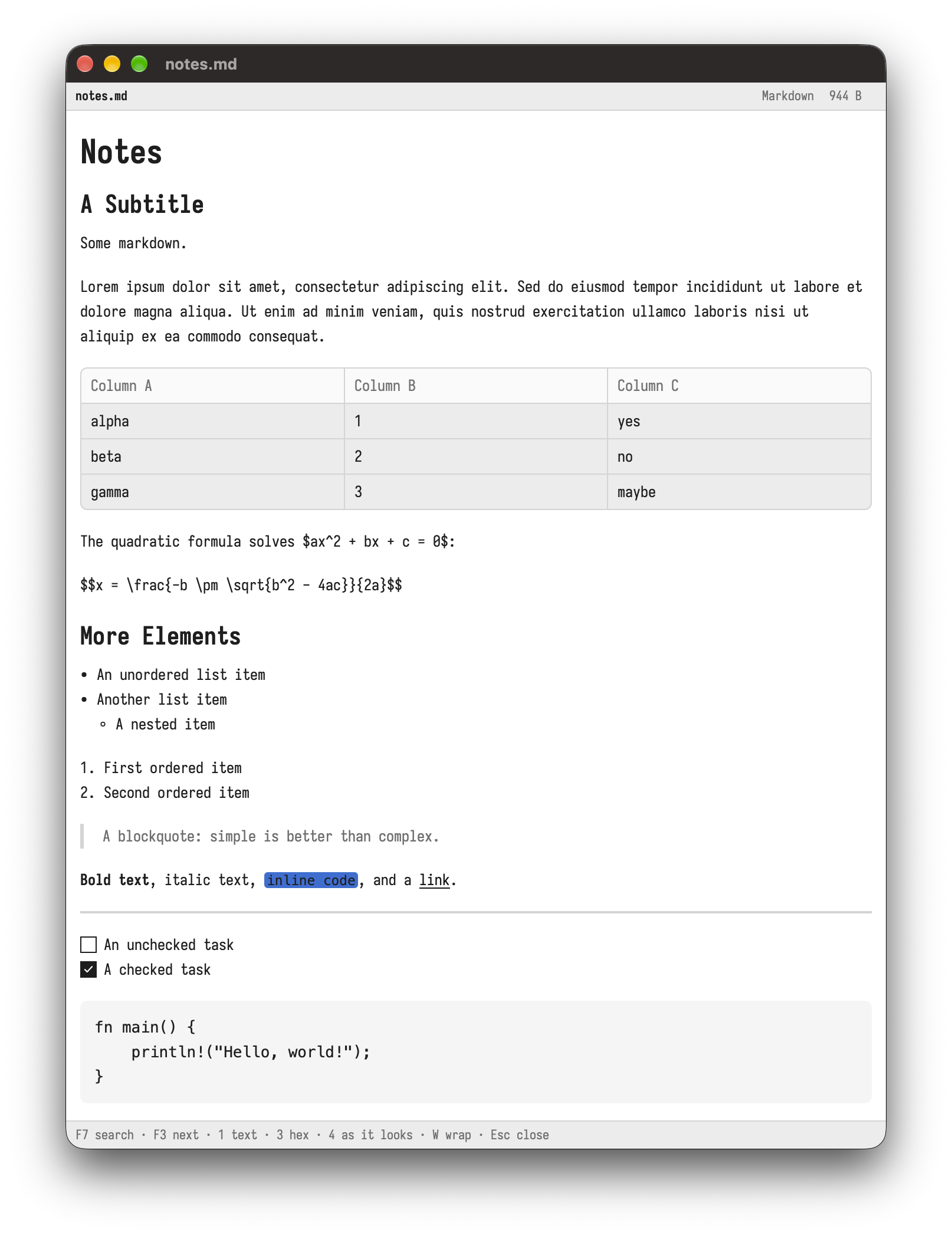
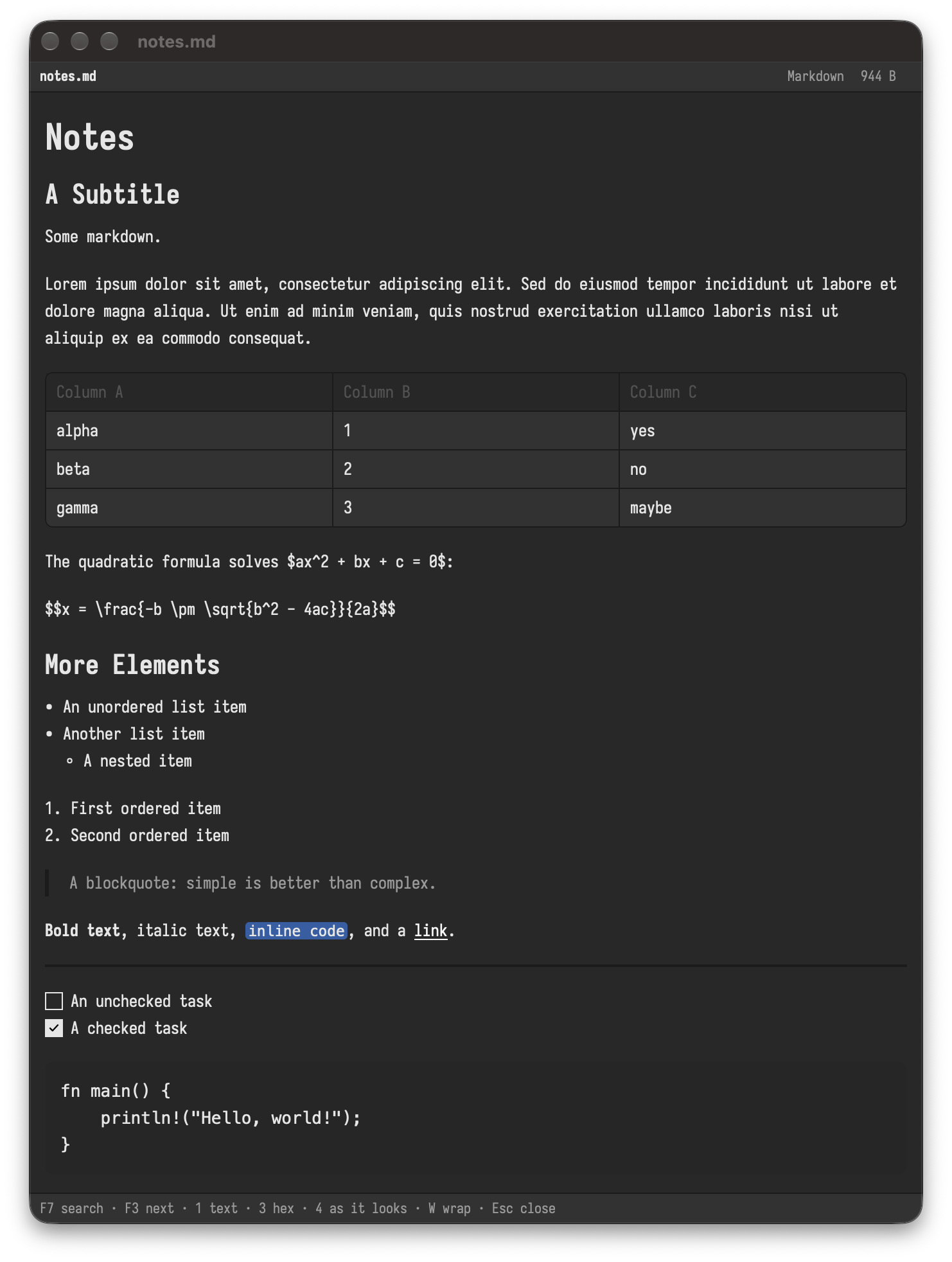
| Markdown | .md .markdown .mdown .mkd |
rendered (4), or as text (1) |
| Text | any file without zero bytes, whatever its name, or UTF-16 | the text in its encoding, also huge files (only the visible lines are read); long lines wrapped (W) or scrolling sideways |
| Everything else | the bytes in hex (3; also for any file above) |
In the preview panel a folder shows the names inside it.
Bella Commander ships no video codec. The picture of a video or an AVIF image comes from what your computer has:
| System | Made by |
|---|---|
| macOS | FFmpeg if it is installed (brew install ffmpeg), else Quick Look, as the Finder shows it (the first frame; no .mkv or .webm) |
| Windows | the Windows thumbnails, as Explorer shows them (AVIF and some videos may need the AV1 or HEVC extension from the Microsoft Store), else FFmpeg if it is installed |
| Linux | FFmpeg if it is installed, else the thumbnailers of the desktop (for example ffmpegthumbnailer or totem) |
If none of them can read the file, the panel says so. A video plays in your video player (Enter).
F7, ⌘F / Ctrl+F or / searches; F3 and ⇧F3 go to the next and previous match, ⌥C / Alt+C switches matching case. Select text with the mouse or ⇧Up / ⇧Down, ⌘A / Ctrl+A selects all, ⌘C / Ctrl+C copies.
The preview panel (⌥⌘B / Ctrl+Alt+B) shows the same, shorter, beside the panes.
Your editor (F4)
F4 opens the selected files in your editor, also from the viewer. Without a setting it uses the system's default app for the file type. Set your editor, also per file type, in settings.toml, see Customize.
Other apps
| Key | Does |
|---|---|
F11 |
opens the active folder in a terminal app (Terminal, Windows Terminal, or the one you set) |
⇧F11 |
opens the active folder in your editor |
Enter |
opens a file with its app |
| Open with… | lists the apps that can open the file (also in the context menu) |