Working with files
Selecting
Most commands work on the selected files, or on the file under the cursor when nothing is selected.
| Key | Does |
|---|---|
Space |
selects or unselects the file under the cursor (on a folder: also measures its size) |
Insert |
the same, then moves down |
⇧Up, ⇧Down, ⇧PageUp, ... |
select while moving |
⌘A / Ctrl+A, ⇧⌘A / Ctrl+Shift+A |
select all, select none |
Num+, Num- |
select or unselect by a pattern such as *.jpg |
Num* |
inverts the selection |
⌥Num+ / Alt+Num+ |
selects all files with the extension of the one under the cursor |
The mouse works too: a click selects, ⌘-click (Ctrl-click) adds or removes one, ⇧-click selects a range.
Copy, move, rename, delete
| Key | Does |
|---|---|
F5 |
copies to the other pane's folder (the target can be changed in the dialog) |
F6 |
moves to the other pane's folder |
F2, ⇧F6 |
renames in place: the name is selected without its extension, so typing keeps the extension |
F7 |
new folder |
⇧F4 |
new file |
⌘D / Ctrl+D |
duplicates next to the original (name (2)) |
F8, Delete |
moves to the trash |
⇧F8, ⇧Delete |
deletes permanently, after asking |
⌘Z / Ctrl+Z |
undoes the last operation |
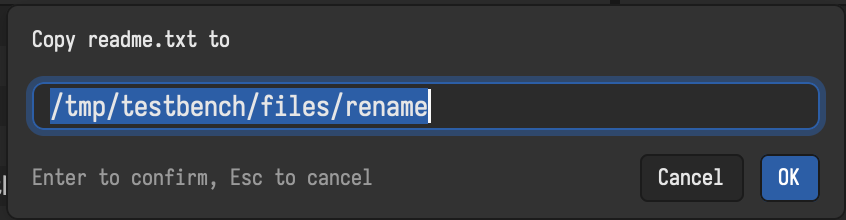
Undo works for copy (the copies go to the trash), move, rename, multi-rename, new folders and files, and moving to the trash. It remembers the last operations even after a restart. Deleting permanently and overwriting cannot be undone.
Clipboard and drag and drop
⌘C / Ctrl+C copies the selected files, ⌘X / Ctrl+X cuts them (they show dimmed), ⌘V / Ctrl+V pastes them into the active folder. This works together with Finder and Explorer in both directions. ⇧⌘C / Ctrl+Shift+C copies the full path instead.
Files can be dragged between the panes, onto a tab, a favorite or a folder in the sidebar tree, and from or to other apps.
When the target exists
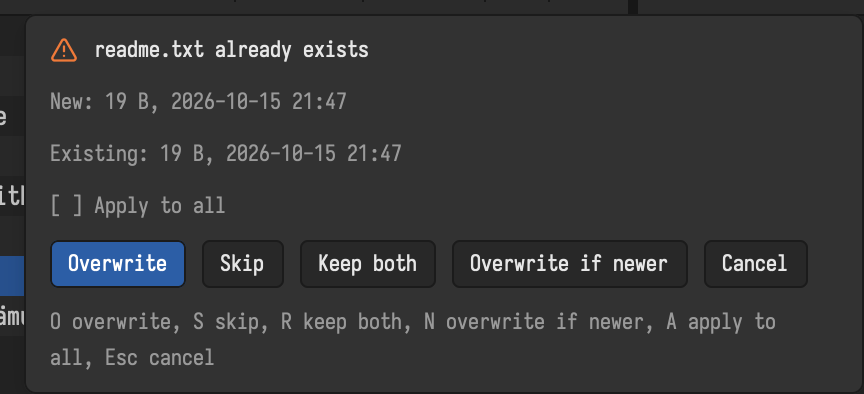
When a file with the same name is already there, Bella Commander asks: overwrite, skip, rename, or overwrite if newer, and whether to do the same for all others. A folder copied onto an existing folder is merged into it.
Operations in the background
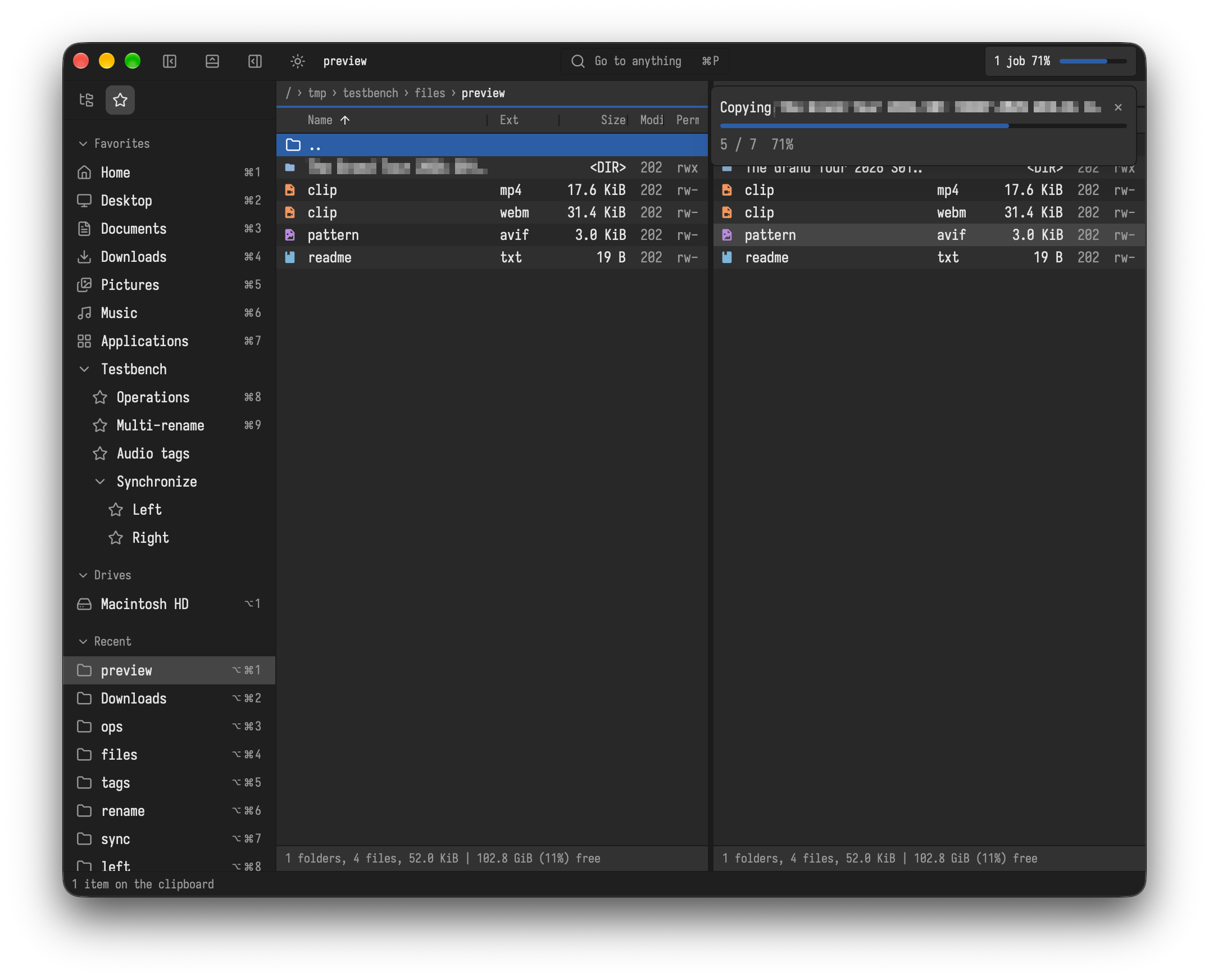
Copying, moving, deleting, packing and the other file operations run one after another in the background, so you can keep working. The top right corner shows the progress in percent; ⇧⌘J / Ctrl+Shift+J or a click opens the list, where × cancels one. A cancelled copy removes the half-written file, and an overwritten file is only replaced once its new contents are complete.
If an operation fails because of missing rights, Bella Commander offers to try again with administrator rights.
More
| Key | Does |
|---|---|
⌥A / Alt+A |
permissions, owner and dates (also for whole folders) |
⌥⇧Enter / Alt+Shift+Enter |
measures the sizes of all folders here |
⇧⌘D / Ctrl+Shift+D |
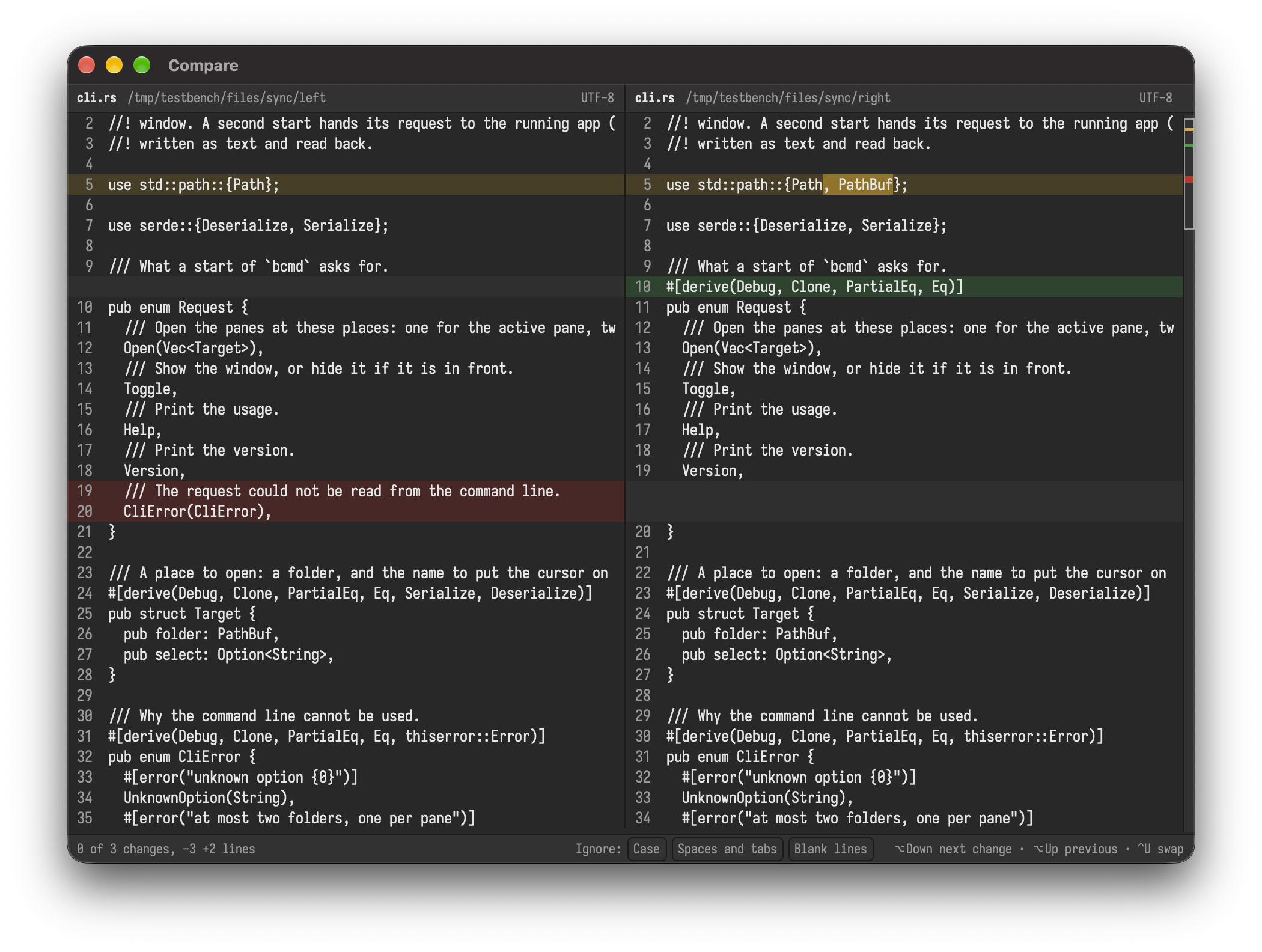
compares two files side by side |
⇧F10, Menu |
the context menu: open with, reveal in Finder or Explorer, copy path, ... |
Create checksums… and Verify checksums in the command palette write and check .sha256, .sha512, .b3, .sha1, .md5 and .sfv files, compatible with sha256sum and similar tools.